Video to MP3 Converter
Turn any video into an audio file. Add an MP4, WebM, MOV, MKV or AVI clip, choose MP3, M4A or WAV, and the audio track is extracted in seconds. The video picture is discarded, so only the sound is kept. Everything runs in your browser and files never leave your device.
Add your video
MP4 · WebM · MOV · MKV · AVIDrop a video here or click to browse
Best for clips under 200 MB and a few minutes long
Result
Add a video to startYour extracted audio will appear here
How to convert a video to MP3
Add your video
Drop an MP4, WebM, MOV, MKV or AVI file into the tool, or click to browse. The file is read on your device and never uploaded.
Pick the audio format
Choose MP3, M4A or WAV and set the bitrate. MP3 at 192 kbps is a safe default for music and speech.
Extract and download
Click Extract audio, check the duration and file size, listen to the preview, then download the audio.
Why use Aihangsoft Video to MP3
Three audio formats
Save the soundtrack as MP3 for playback, M4A for small AAC files, or WAV when you need uncompressed audio for editing.
Your video stays on your device
FFmpeg runs inside the browser tab, so the clip is never uploaded, stored or queued on a server. Files never leave your device.
No limits, no watermark
No account, no daily cap and no audio branding added to the file. Convert as many videos as you need.
Built for sound, not pictures
Audio only extraction
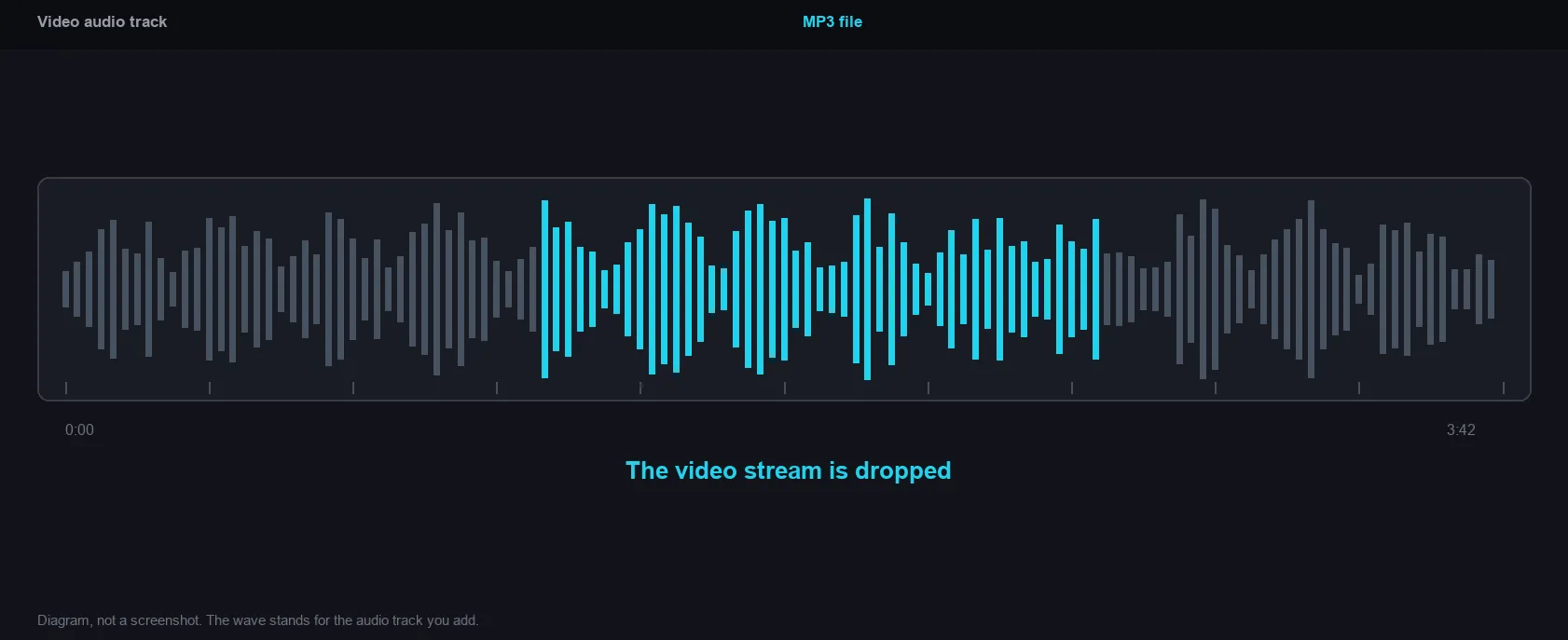
The video stream is dropped during the encode, so the output holds one clean audio track. A long clip becomes a light file that is easy to send and store.
Use case: music, lectures, interviewsBitrate under your control
Pick 128 kbps for spoken word, 192 kbps for everyday listening or 320 kbps when the soundtrack carries music you care about.
Use case: podcasts, voice notes, music ripsLossless WAV export
WAV output decodes the original audio and stores it as uncompressed PCM, which is the right starting point for editing, mixing or re-encoding later.
Use case: video editing, audio restorationPreview before you save
The finished audio plays straight in the result panel, together with the duration and the size of the source video and the output file.
Use case: checking a clip before sharingChoosing between MP3, M4A and WAV
- MP3
- Encoded with libmp3lame. It plays on essentially everything, from car stereos to old phones, and it is the safest choice when you do not know what will open the file. At the same bitrate it holds less detail than AAC.
- M4A
- AAC audio inside an MP4 container. At the same bitrate it usually sounds better than MP3, which is why Apple devices and most podcast workflows default to it. The trade is slightly narrower support on very old hardware.
- WAV
- Uncompressed PCM, written as pcm_s16le. It is the right format if the audio will be edited again, because nothing has been thrown away yet. As a side effect, the bitrate control hides itself for WAV: with no compression there is no bitrate to choose.
- Quick rule
- Sending to someone or uploading to a platform: MP3. Keeping quality on a device that supports it: M4A. Feeding a video editor or a DAW: WAV.
Why 320 kbps is not automatically better
Bitrate sets how many bits the encoder may spend per second. It cannot invent detail that the source audio never carried.
- 128 kbps
- Enough for speech: lectures, interviews, voice notes and meeting recordings. Most of the bandwidth goes where the voice is.
- 192 kbps
- The default, and a reasonable middle for mixed content such as a video with background music and talking.
- 320 kbps
- For music you actually listen to on good headphones. It is roughly two and a half times the size of 128 kbps for the same duration.
- The source ceiling
- If the video's audio track was already stored at a low bitrate, asking for 320 only makes the file bigger without adding information. When in doubt, match the source rather than the maximum.
What this accepts, and what it will not
- Video files only
- The dropzone checks the file type and only accepts files the browser reports as video. A plain MP3 or WAV dropped here is rejected with "That file is not a video", even though it obviously contains audio. Convert or wrap it first if you need to reprocess it.
- One audio track
- The engine strips the video stream and keeps the default audio track. On a file with several audio tracks, such as a film rip with multiple languages, you get the one the container marks as default, not a choice of subtitles or language versions.
- No sample rate or channel control
- The output keeps the source sample rate and channel layout. Only the container, the codec and the bitrate are configurable here, so a mono source stays mono and a 48 kHz source stays 48 kHz.
- No fixed file size cap
- There is no upload limit because nothing is uploaded. The practical ceiling is browser memory, since the whole file is decoded in the tab, so very long recordings are better split before conversion.
When extraction fails, and what to check after
- That file is not a video
- The browser did not identify the file as video. A renamed file keeps its real type, so check the actual container rather than the extension.
- Extraction failed
- The engine could not read the stream. Usual causes are a damaged container, a codec this build does not include, or DRM protection. Re-muxing the file to MP4 in another tool usually fixes the first two; DRM cannot be worked around.
- Duration matches the source
- The result panel shows the source length and the output length side by side. If the output is much shorter, the source had a broken or truncated audio track.
- Listen before you send
- Play the preview. A wrong bitrate is easy to hear on music and essentially inaudible on speech, so judge with the content you actually care about.
The video stream is dropped
How it works and where your file goes
- Engine
- FFmpeg (compiled to WebAssembly as ffmpeg.wasm 0.12) extracts the audio track and re-encodes it as MP3, M4A or WAV.
- Data location
- Everything runs in this browser tab. The file is never uploaded to a server.
- Verify it yourself
- Start a job here and watch the browser network panel: no request carries your file. How to check any online tool.