Split PDF
Separate one PDF into smaller files. Pull out a page range, save every page on its own, or cut the document into equal chunks. The tool shows exactly how many files you will get before you start, and pages are copied as they are, so text stays selectable and images keep their full resolution. Your file is read in the browser and never leaves your device.
Add your PDF file
PDF onlyDrop a PDF here or click to browse
One file at a time. The page count is read as soon as it is added
Result
Add a PDF to startYour split PDF files will appear here
Downloads are triggered one after another with a short pause between them, so your browser does not block the batch. Each file also has its own button in the list above.
How to split PDF files
Add your PDF
Drop one PDF into the tool or click to browse. The page count is read on your device, so nothing is uploaded.
Choose the split mode
Pick page ranges, every page or fixed chunks, then read the preview that lists the files you are about to create.
Split and download
Click Split PDF, check the page count and size of each part, then download them all or just the file you need.
Why use Aihangsoft Split PDF
Cut exactly where you need
Page ranges such as 1-3, 5, 8-10 let you lift a single chapter or appendix out of a long document without touching the rest.
See the result first
The file count and the pages inside each part are shown before you press the button, so there are no surprises after the split.
Private by design
The document is opened and cut in your browser. Contracts, invoices and IDs are never uploaded, stored or queued on a server.
Built for everyday PDF work
Extract a chapter or an appendix
Send only the pages a colleague asked for. Enter the range, split once, and share a small file instead of the whole report.
Use case: reports, briefs, contractsSeparate a scanned batch
A stack of receipts or signed forms scanned into one file can be turned into one PDF per page, ready to be filed or renamed individually.
Use case: scans, receipts, expense claimsMeet an upload limit
Fixed chunks split a heavy document into equal parts that fit under a portal or email size limit, without splitting pages yourself.
Use case: portals, email attachments, studentsOriginal quality kept
Pages are copied across as they are. Text stays selectable, links keep working and photos are not downsampled to save space.
Use case: print, publishing, archivingThree split modes, and when each one fits
- Page ranges
- You type the parts yourself, for example
1-3,4-8,9. Each comma separated group becomes one new file, so the number of outputs equals the number of groups. This is the mode for pulling a chapter, an invoice batch or an appendix out of a long report. - Every page
- One file per page. A 40 page document produces 40 PDFs, each holding a single page. Use it when every page has to travel separately, such as signed forms that go to different people.
- Fixed chunks
- You set how many pages go into each file, and the document is cut at that interval. Ten pages per file turns a 50 page document into five PDFs, with the last one holding whatever is left.
- Output names
- Files are named after the source plus a suffix describing the part, so the pieces stay grouped together in a folder and in alphabetical order.
The 200 file limit
One run will not produce more than 200 files. The cap exists because each output is a separate download, and browsers choke when hundreds of them are triggered at once.
- When you will hit it
- Almost always in Every page mode on a long document. A 300 page scan would need 300 files, so the job is refused before anything is written.
- What to do instead
- Switch to Fixed chunks with a sensible page count and split the work into a few passes, or keep the pages bundled and separate only the ones you actually need to send.
- The error is explicit
- The message states how many files the current settings would create, so you can see how far over the limit you are rather than guessing.
What the new files keep, and what they do not
- Page content is copied, not re-rendered
- Each page is copied across as a page object, so the text, images, vector art and fonts inside it are exactly the ones from the source. Splitting never rasterises a page or changes its appearance.
- Document level structure is not carried over
- The new files are assembled page by page, so the original bookmarks, form field definitions and annotation layer are not rebuilt. If a document's navigation or fillable fields matter, keep the original alongside the split copies.
- One file at a time
- Dropping several PDFs only splits the first one, and the status line says so. Split them one after another instead of in one action.
- Password protected PDFs
- An encrypted file cannot be read, so remove the password first and split the unlocked copy.
Check the parts before you delete the original
- Page counts add up
- Each output shows how many pages it holds. Adding them should give the number of pages you selected, and for ranges mode it should equal the sum of the groups you typed.
- Each part opens on its own
- Open one of the smaller files in a reader before sending anything. A part that fails to open usually points at a damaged source rather than at the split.
- Total size can grow
- Every output is a separate document with its own cross reference table and shared resources. Ten parts of the same report can add up to more than the original file, which is expected for splitting.
- Keep the source until you are sure
- The original is never modified, and it is still the only copy that has the bookmarks and form fields. Delete it only after the parts have been checked and delivered.
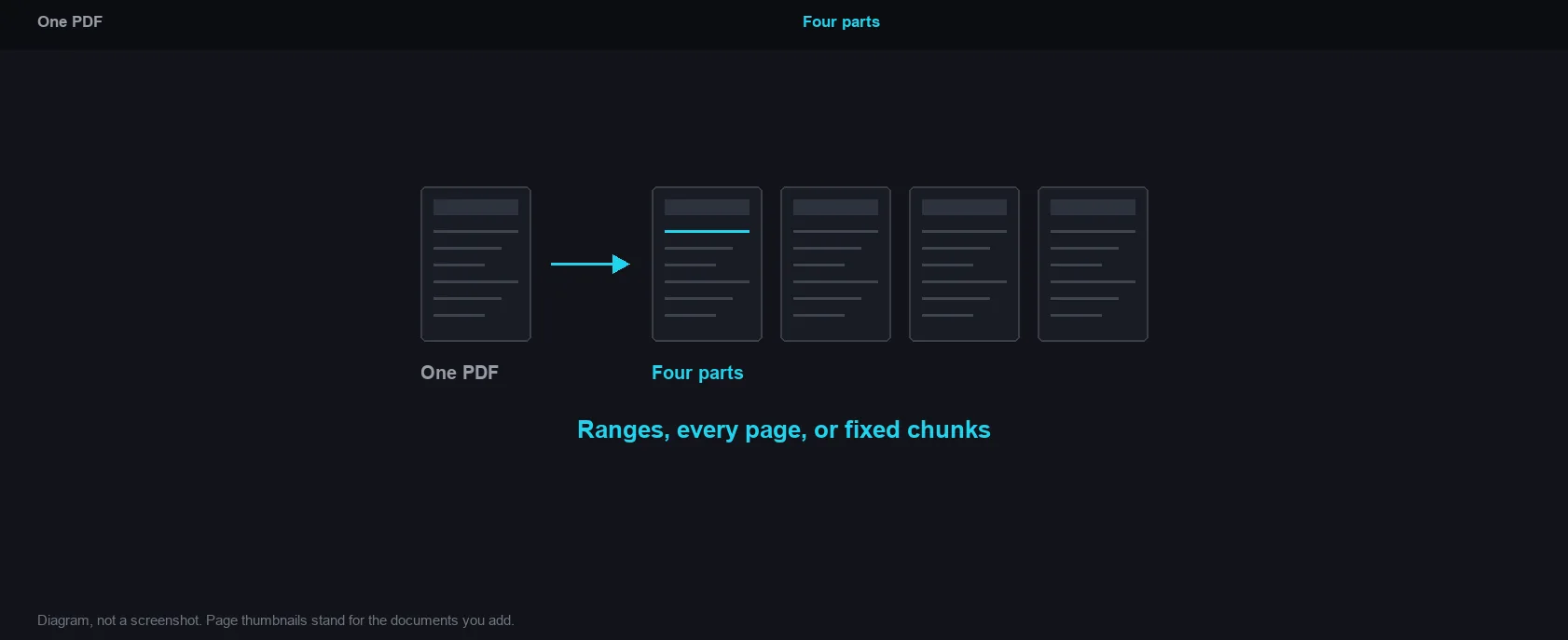
Ranges, every page, or fixed chunks
How it works and where your file goes
- Engine
- pdf-lib 1.17.1 writes each selection of pages out as a new PDF.
- Data location
- Everything runs in this browser tab. The file is never uploaded to a server.
- Verify it yourself
- Start a job here and watch the browser network panel: no request carries your file. How to check any online tool.