PDF to JPG
Turn every page of a PDF into a JPG or PNG image. Choose the resolution, set a page range if you only need a few pages, then download each page as its own picture. Pages are rendered in your browser, so your document never leaves your device.
Add your PDF
PDF onlyDrop a PDF here or click to browse
One file at a time, every page becomes its own image
Result
Add a PDF to startYour page images will appear here
Pages are rasterised at the resolution you pick, so a 300 DPI export gives you print ready images and a larger download.
How to convert a PDF to JPG
Add your PDF
Drop a PDF into the tool or click to browse. The document is opened on your device and never uploaded.
Choose the format and resolution
Pick JPG or PNG, set the resolution to 72, 150 or 300 DPI, and type a page range if you only need a few pages.
Convert and download
Click Convert and watch the progress for each page, then download the images one by one or use Download all.
Why use Aihangsoft PDF to JPG
Pick the resolution you need
72 DPI for quick screen sharing, 150 DPI for readable documents or 300 DPI for printing without visible softness.
Every page, or just a few
Convert the whole document or list the pages you need with a range such as 1-3,5. Each page comes back as its own image file.
Nothing leaves your device
Pages are rasterised on a canvas in your browser. Contracts, invoices and ID scans are never uploaded, stored or queued.
Built for everyday PDF to image work
Send one page as a picture
Chat apps, forms and social posts handle images far better than attachments. Convert just the page you need and share it as a JPG that opens anywhere.
Use case: chat, email, social postsReuse slides and diagrams
Export a chart or a slide from a report as PNG and drop it straight into a deck, a document or a design file without hunting for the original asset.
Use case: presentations, teaching materialPreviews and thumbnails
Generate a flat image of the first page for a catalogue listing, an upload preview or an archive index, so visitors see the document before they download it.
Use case: web uploads, catalogues, archivesPrint and archive copies
A 300 DPI export holds up in print and in long term storage, which makes it a practical way to freeze a document exactly as it looked on the day you converted it.
Use case: printing, records, legal copiesDPI is a scale factor, not a quality setting
- How the scale works
- A PDF stores page geometry in points, where one point is 1/72 inch. The renderer multiplies by
dpi / 72, so 72 DPI draws each page at exactly its nominal size, 150 DPI at about 2.1x and 300 DPI at about 4.2x. - What that does to pixels
- Doubling DPI quadruples the pixel count, because both width and height double. An A4 page is roughly 2480 by 3508 pixels at 300 DPI, close to 8.7 megapixels, which is why a full document at 300 DPI takes noticeably longer and produces much larger files.
- Choosing a value
- 72 for a preview or a thumbnail, 150 as a general purpose default, 300 when the image will be printed or needs to survive magnification. There is no benefit to going higher than the source document can support.
When the 40 megapixel limit hits
Each page is drawn into a canvas, and a canvas that large can exhaust browser memory. The renderer therefore refuses any single page above 40,000,000 pixels instead of crashing.
- Normal documents never reach it
- A4, Letter and Legal pages stay well under the limit even at 300 DPI. If you are converting an ordinary office document, this message will not appear.
- Large format drawings can
- Architectural and engineering sheets are the usual cause. At 300 DPI a page around A2 is already near 35 megapixels, and A1 or A0 goes past 40 with room to spare.
- What the message tells you
- The error names the page and the number of megapixels it would need at the DPI you picked, so you can decide how far to drop rather than guessing. Lowering DPI is the fix; the page itself is fine.
- Partial results are kept
- If a later page fails, the pages already rendered stay in the result grid and remain downloadable. You do not lose the work, and you can convert the remaining pages separately at a lower DPI.
JPG or PNG, and what the quality slider does
- JPG
- Lossy, small, and the right choice for scanned pages and photographs. A quality slider appears only for JPG, running from 50 to 100 with a default of 92. Lower values shrink the file and soften fine text first.
- PNG
- Lossless, larger, and better for charts, diagrams and sharp text. The quality slider hides itself for PNG because a lossless encoder has no quality value to set.
- White, not black
- JPG has no alpha channel. Before drawing, the canvas is filled with white, so a page with a transparent background comes out white rather than black. PNG keeps transparency where the PDF actually has it.
- Changing settings clears results
- Switch format or DPI and any images already converted are discarded, because they no longer match the controls on screen. Convert again after the change rather than mixing outputs from two settings.
Page ranges, file names and batch downloads
- Page range syntax
- Leave the field empty to render every page. Otherwise use single pages and ranges separated by commas, for example
1-3,5. Open-ended forms such as3-are not supported, so write the last page explicitly. - Out of range
- Numbers start at 1. A page outside the document stops the job with a message that states how many pages the file actually has, and a reversed range such as
5-2is rejected as well. Repeated pages are removed while the order you typed is preserved. - How files are named
- Each page becomes its own image, named after the source file plus the page number, so
report.pdfproducesreport-page-1.jpgand so on. Nothing is bundled into a zip. - Download all
- With several pages converted, Download all saves them one after another with a short pause between files, because browsers block a burst of simultaneous downloads. Expect a permission prompt if several files are queued.
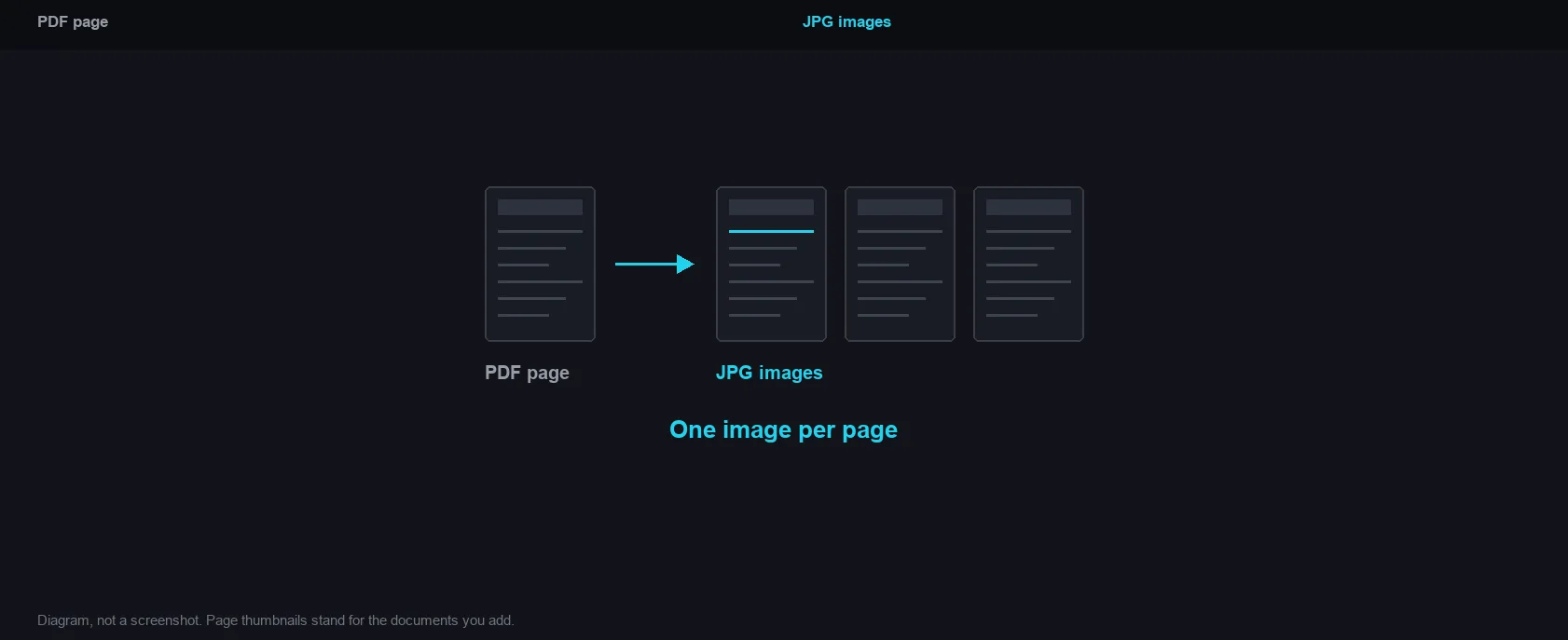
One image per page
How it works and where your file goes
- Engine
- PDF.js 4.10.38 (Mozilla) renders each page to a canvas, which is then encoded as JPG or PNG at the resolution you choose.
- Data location
- Everything runs in this browser tab. The file is never uploaded to a server.
- Verify it yourself
- Start a job here and watch the browser network panel: no request carries your file. How to check any online tool.