Organize PDF
Rotate, delete and reorder the pages of a PDF, then export a clean copy. Drag thumbnails into a new order, straighten sideways scans, drop the pages you no longer need and add page numbers if you want them. The document is rebuilt in your browser and never uploaded.
Add your PDF
PDF onlyDrop a PDF here or click to browse
Every page gets a thumbnail you can drag around
Pages
Add a PDF to startYour page thumbnails will appear here
The export builds a brand new PDF from the pages you kept, so your original file is left untouched on your device.
How to organize PDF pages
Add your PDF
Drop a PDF into the tool. A thumbnail of every page is generated on your device and nothing is uploaded.
Rearrange the pages
Rotate, delete and drag pages until the grid matches the document you want. Use Undo if you change your mind.
Export and download
Switch on page numbers if you need them, then click Export PDF and download the rebuilt document.
Why use Aihangsoft Organize PDF
Straighten a sideways scan
Rotate any page 90 degrees at a time, on its own. The thumbnail turns immediately so you can check the result before exporting.
A new order in seconds
Drag a page anywhere in the grid to move it. The arrows on each card do the same job on a touch screen, and the numbering follows your new sequence.
Private, free and unlimited
Thumbnails and the rebuilt file are produced on your device. Nothing is uploaded, and there is no account, watermark or page limit.
Built for everyday PDF tidying
Remove blank or duplicate pages
Delete the pages a scanner fed through twice or left empty, without opening a full PDF editor or running the batch again.
Use case: scans, double sided copies, misfeedsPut a report back in order
Move a stray chart or appendix to where it belongs so the document reads correctly from the first page to the last.
Use case: reports, contracts, courseworkNumber the pages before sending
Add neat page numbers at the bottom or the top of every page during the export, so the printed copy and the file agree with each other.
Use case: submissions, legal filings, manualsKeep the original untouched
The export copies the pages you kept into a new file, so you can keep experimenting until the arrangement is right for you.
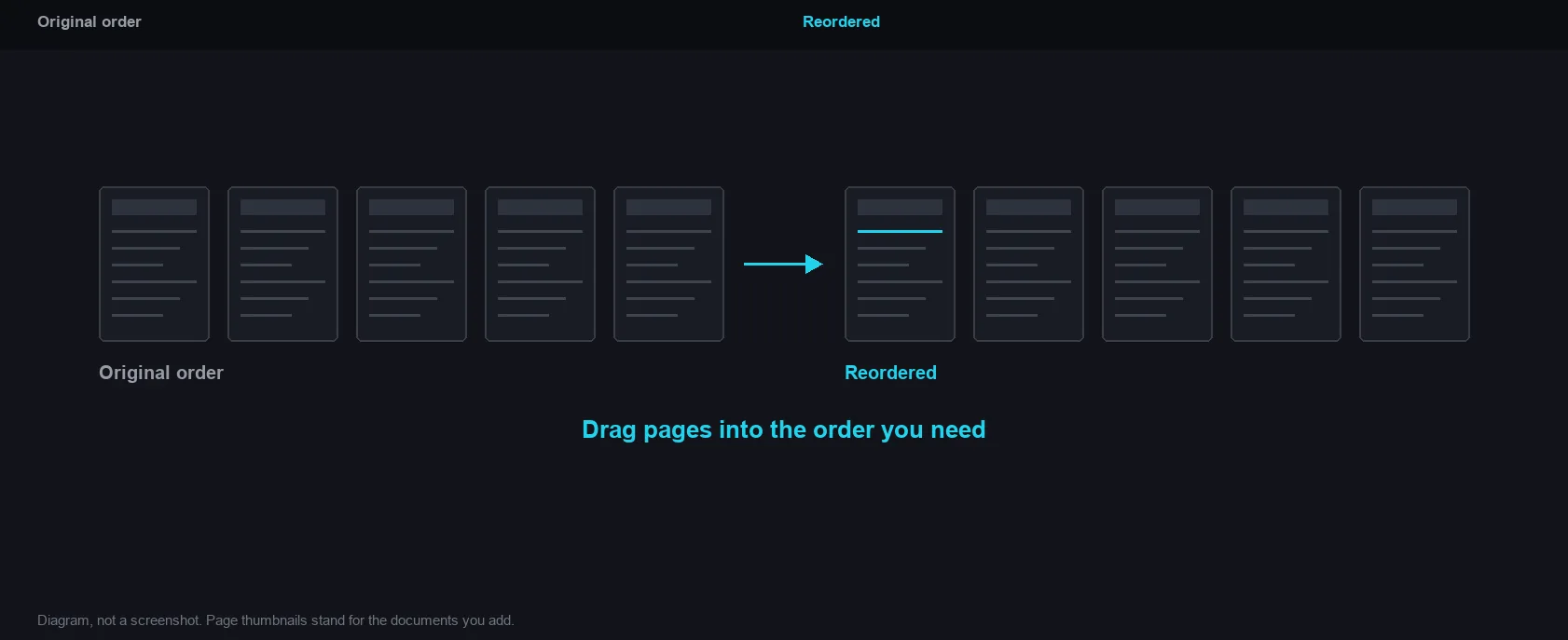
Use case: archiving, sharing, version controlDrag pages into the order you need
How it works and where your file goes
- Engine
- PDF.js 4.10.38 renders the page thumbnails, and pdf-lib 1.17.1 rebuilds the document in your new order.
- Data location
- Everything runs in this browser tab. The file is never uploaded to a server.
- Verify it yourself
- Start a job here and watch the browser network panel: no request carries your file. How to check any online tool.