Merge PDF
Combine several PDF files into one document. Add your files, drag them into the order you want, and merge. Pages are copied across untouched, so text stays selectable and images keep their full resolution. Your files are read in the browser and never leave your device.
Add your PDF files
PDF onlyDrop PDFs here or click to browse
Add two or more files, then arrange them in the order you want
Result
Add PDFs to startYour merged PDF will appear here
Pages are copied rather than re-encoded, so the merge keeps your original quality and does not inflate the file size.
How to merge PDF files
Add your PDFs
Drop two or more PDF files into the tool, or click to browse your device. Each file is read locally.
Set the order
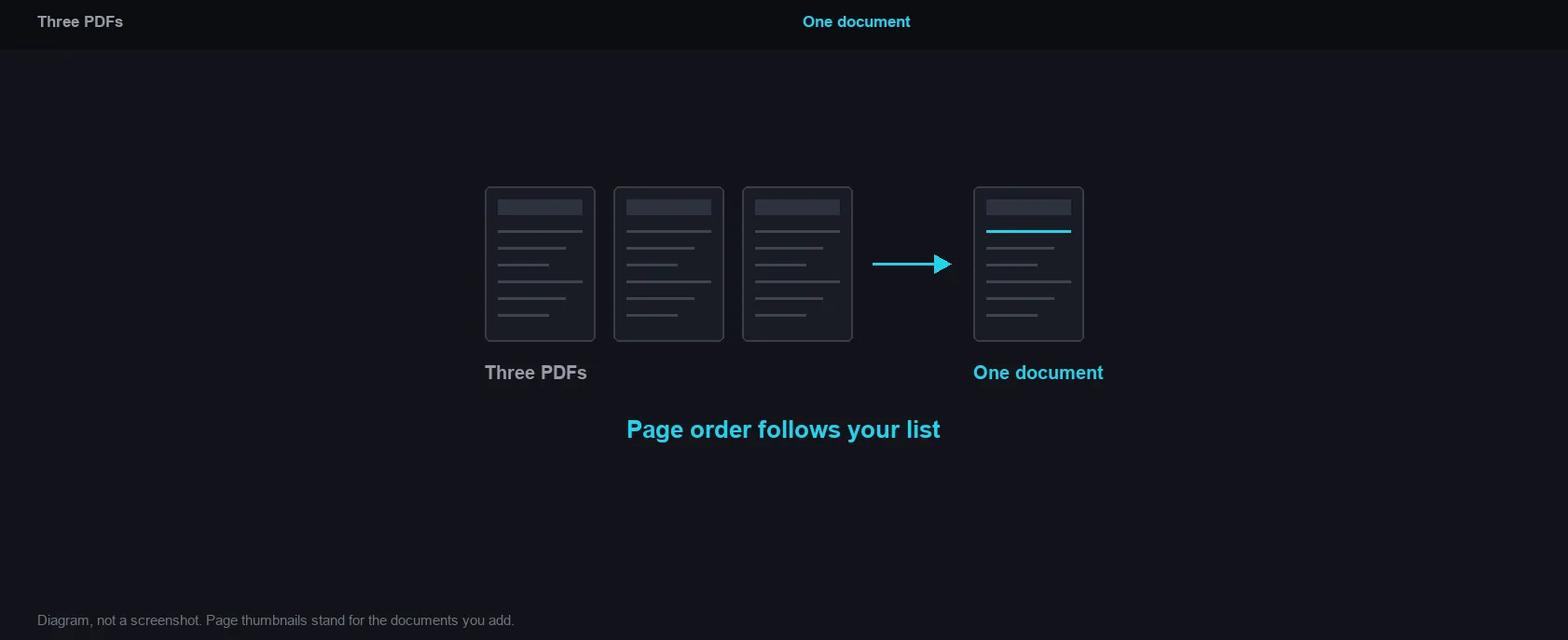
Move files up or down until the list matches the order you want. This is exactly how the pages will be arranged.
Merge and download
Click Merge PDF, check the reported page count, then download the combined document.
Why use Aihangsoft Merge PDF
Any order you need
Reorder the list before merging, so a report, its appendix and its cover sheet always land in the right sequence.
Your documents stay private
The merge happens in your browser. Contracts, invoices and IDs are never uploaded, stored or queued on a server.
No watermark, no limits
No page limit, no account and no branding stamped onto your document. Merge as often as you like.
Built for everyday PDF work
Reports, contracts and forms
Stitch a signed cover page, the body of an agreement and its schedules into a single file that is easier to send and archive than three separate attachments.
Use case: legal, admin, HR paperworkScanned batches in the right order
A stack of single page scans can be assembled in reading order without rescanning the batch or renaming every file first.
Use case: scans, receipts, expense claimsAssemble study material
Join lecture notes, past papers and reading lists into one revision pack, with the newest material at the end or the start, whichever suits you.
Use case: students, teachers, researchersOriginal quality kept
Pages are copied across as they are. Text stays selectable, links keep working and photos are not downsampled to save space.
Use case: print, publishing, archivingPage order follows your list
How it works and where your file goes
- Engine
- pdf-lib 1.17.1 copies the pages of each document into a new file, so pages stay selectable and images keep their original resolution.
- Data location
- Everything runs in this browser tab. The file is never uploaded to a server.
- Verify it yourself
- Start a job here and watch the browser network panel: no request carries your file. How to check any online tool.