Audio Trimmer
Cut the part of an audio file you actually need. Load a track, drag the selection across the waveform, preview it, and export the clip as MP3 or WAV. Trimming, previewing and encoding all happen in your browser, so your audio files never leave your device.
Add your audio
MP3 · WAV · M4A · OGG · FLACDrop an audio file here or click to browse
MP3, WAV, M4A, AAC, OGG, FLAC or Opus
Waveform and result
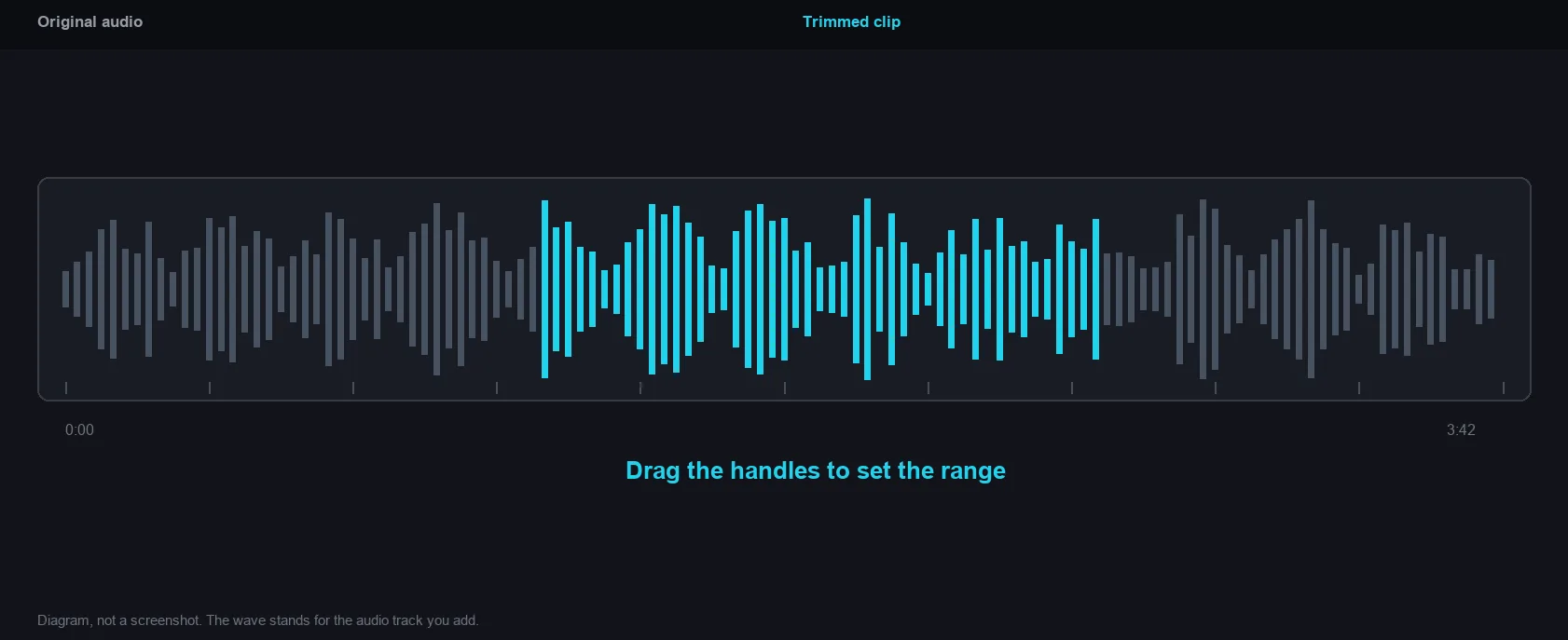
Add audio to startDrag the edges of the highlighted region to set the part you keep. The selection is what gets exported.
Use the format mm:ss.ms, for example 1:24.5 for one minute and 24.5 seconds.
How to trim an audio file
Add your audio
Drop an MP3, WAV, M4A or OGG file into the tool. It is decoded on your device and never uploaded.
Drag the selection
Move the region edges on the waveform, or type the exact start and end times. Play selection lets you hear the clip before exporting.
Trim and download
Pick MP3 or WAV, add a fade if you need one, then click Trim audio and download the shortened clip.
Why use Aihangsoft Audio Trimmer
See the sound
The waveform shows where the music, the silence and the speech sit, so you can cut on a beat or right before the applause.
Audio never leaves your device
Decoding, previewing and encoding all happen inside the browser tab. Nothing is uploaded, queued or stored on a server. Files never leave your device.
Exact cut, soft edges
The selection is re-encoded so it lands on the time you asked for, and the optional fade removes the click that a hard cut can leave behind.
Made for quick audio edits
Drag the region, or type the time
Pull the edges of the highlighted region with the mouse, or enter an exact start and end such as 0:12.4 and 1:03.0. Both routes update the same selection, so the numbers and the waveform never disagree.
Use case: ringtones, samples, podcast clipsPlay selection
Playback starts at the selection start and stops at the selection end, so you can check the loop, the intro or the punchline without exporting first.
Use case: checking a cut before savingFade in and fade out
Add up to five seconds of fade at each end of the clip. The fade length is capped at half of the selection, so even a short clip keeps a clean shape.
Use case: ringtones, sleepy playlists, voice introsMP3 or WAV output
Save the clip as MP3 at 192 kbps for sharing, or as uncompressed WAV when the clip goes back into an editor and will be processed again.
Use case: sharing, editing, archivingDrag the handles to set the range
How it works and where your file goes
- Engine
- FFmpeg (compiled to WebAssembly as ffmpeg.wasm 0.12) cuts and joins the selection. The waveform is drawn with wavesurfer.js 7.
- Data location
- Everything runs in this browser tab. The file is never uploaded to a server.
- Verify it yourself
- Start a job here and watch the browser network panel: no request carries your file. How to check any online tool.