Audio Converter
Convert audio between MP3, WAV, M4A, OGG and FLAC. Add one track or a whole folder, set the bitrate and sample rate, and the encoder runs in your browser. No upload, nothing queued on a server, so your audio files never leave your device.
Add your audio files
MP3 · WAV · M4A · OGG · FLACDrop audio here or click to browse
Add several files to convert them in one batch
Converted files
Add audio to startYour converted audio will appear here
How to convert an audio file
Add your audio
Drop one or more files into the tool, or click to browse. MP3, WAV, M4A, AAC, OGG, FLAC and Opus are all accepted.
Choose format and quality
Pick the output format, then the bitrate and sample rate. Lossless targets such as WAV and FLAC skip the bitrate setting.
Convert and download
Each file converts one after another. Download them individually, or use Download all to save the whole batch in one go.
Why use Aihangsoft Audio Converter
Five formats, one pass
Send any source to MP3, WAV, M4A, OGG or FLAC without installing a converter or opening a DAW.
Audio never leaves your device
The encoder runs inside your browser, so songs, voice notes and client recordings are never uploaded or stored. Files never leave your device.
Batch friendly
Queue a whole album, convert it file by file, and pick them up from one downloadable list at the end.
A converter for real audio work
MP3, M4A and OGG for playback
Lossy formats shrink a track to a fraction of its size. MP3 wins on compatibility, M4A gives better quality per kilobyte, and OGG stays fully open.
Use case: phones, car stereos, podcasts, streamingWAV and FLAC for production
WAV keeps the samples exactly as they are, which is what editors and mixers expect. FLAC stores the same audio losslessly in roughly half the space.
Use case: video editing, mastering, archivingSample rate control
Keep the original rate, or resample to 44100 Hz, 48000 Hz or 22050 Hz when a device, a platform or a video project demands a fixed value.
Use case: video soundtracks, phone systems, voice notesSize comparison per file
Every result row shows the format and the size change from input to output, so you can see what the bitrate really did before downloading.
Use case: checking savings, choosing a bitrateBitrate and sample rate do different things
- Bitrate sets the size
- 128, 192 and 320 kbps control how much data is spent per second, which is why they change the file size so directly. 320 kbps is roughly two and a half times the size of 128 for the same recording.
- Sample rate sets the ceiling
- 22,050, 44,100 and 48,000 Hz define the highest frequency the file can hold. Raising it does not add detail that was never recorded, and lowering it discards the top of the spectrum permanently.
- Keep original
- The default leaves the source rate untouched, which is almost always the right answer when converting between containers. Resample only when a target device or platform demands a specific rate.
- Bitrate is hidden for lossless targets
- WAV and FLAC store the waveform without that kind of compression, so a bitrate value would be meaningless there. The control is only meaningful for MP3, M4A and OGG.
Thirty files per run
One batch accepts up to 30 audio files. Anything beyond that is not queued, so the count is worth checking before you start a large conversion.
- What happens past 30
- Only the first 30 files are taken. The rest are ignored rather than converted later, so a folder of 40 tracks needs two passes.
- Why the cap exists
- Every track is decoded in browser memory at the same time as the others in the queue. A cap keeps a large batch from exhausting the tab and losing the whole run.
- Long tracks
- A single very long recording can be heavier than dozens of short ones. If a batch stalls, convert the long files separately.
A lossless target is not a repair
- Converting up does not restore
- Moving an MP3 to FLAC or WAV only changes the container. The frequencies that were discarded when the MP3 was made are gone, and the new file is simply a larger copy of the same audio.
- When FLAC is worth it
- Only when the source is already lossless, such as a WAV recording or a CD rip. Then it keeps every sample while cutting the size substantially.
- Converting down is permanent
- MP3 to OGG, or 320 kbps to 128 kbps, throws information away for good. Once a lossy file has been re-encoded, going back up cannot recover it.
What to check after converting
- Duration
- The result list shows each output next to its source size. A track that comes out much shorter usually means the source was truncated, not that the converter cut it.
- Channels
- Mono stays mono and stereo stays stereo. If the output suddenly sounds one-sided, check whether the source itself was mono with sound in a single channel.
- Playback
- Preview a file before you send it. A wrong sample rate is easy to hear as a pitch shift, and a wrong bitrate shows up as dull high frequencies on music.
- Only converted files are listed
- If a track is missing from the results, it was rejected or could not be decoded. Compare the result count against the files you added rather than assuming the batch finished.
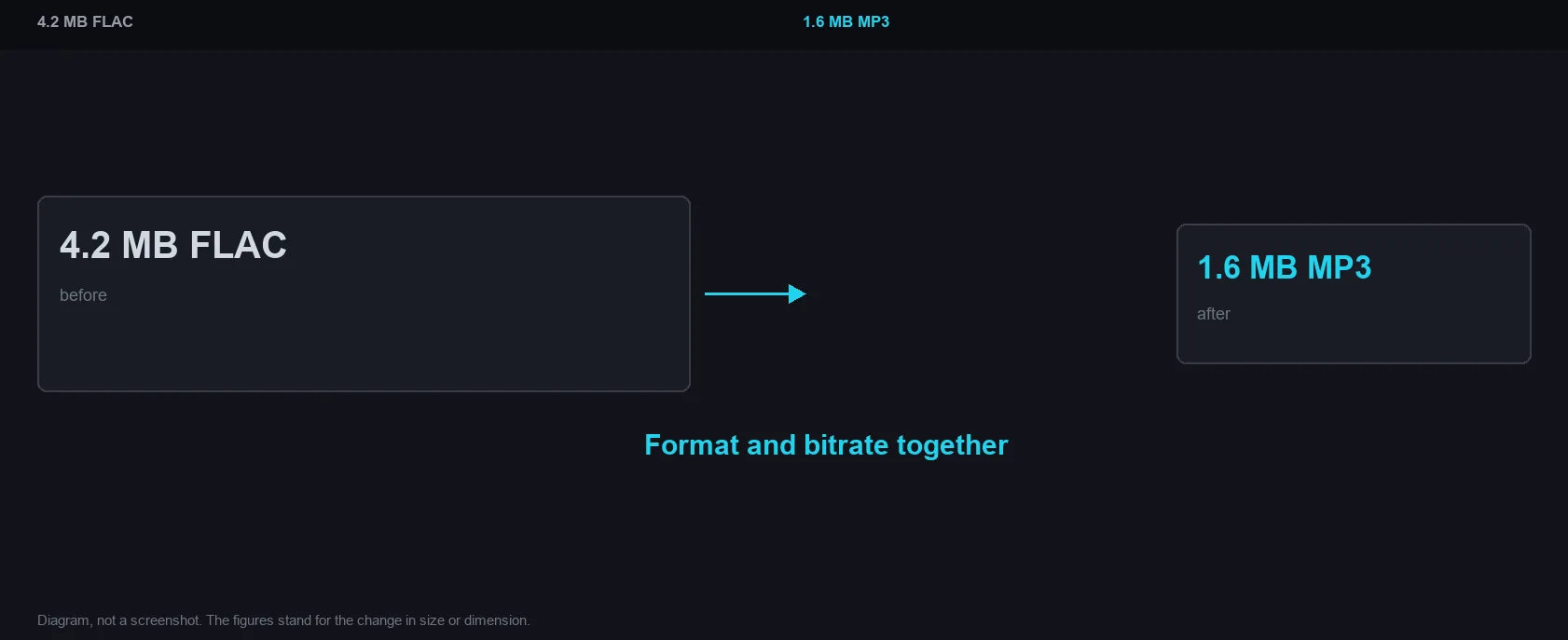
Format and bitrate together
How it works and where your file goes
- Engine
- FFmpeg (compiled to WebAssembly as ffmpeg.wasm 0.12) converts between MP3, WAV, OGG, M4A and FLAC and resamples as needed.
- Data location
- Everything runs in this browser tab. The file is never uploaded to a server.
- Verify it yourself
- Start a job here and watch the browser network panel: no request carries your file. How to check any online tool.